
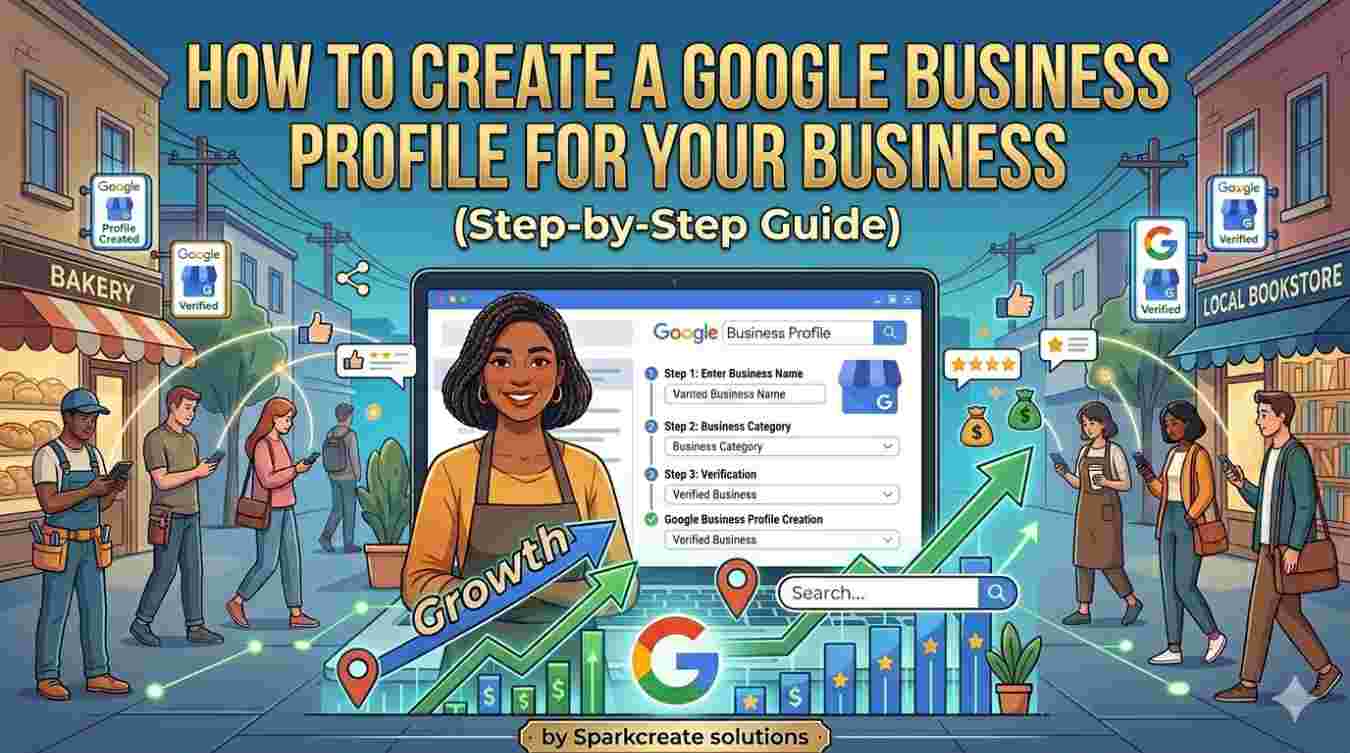
If you want more customers to find your business online, creating a Google Business Profile is one of the best places to start.
When people search for businesses like yours on Google or Google Maps, your Google Business Profile can help them find your:
- business name,
- phone number,
- location,
- website,
- opening hours,
- and customer reviews.
This makes it easier for potential customers to contact you and increases your business visibility online.
The best part?
Google Business Profile is completely free.
In this guide, you’ll learn how to create a Google Business Profile step-by-step and how to optimize it for better local SEO results.
What Is Google Business Profile?
Google Business Profile (formerly Google My Business) is a free tool from Google that allows business owners to manage how their business appears on Google Search and Google Maps.
It helps businesses show up in local searches such as:
- best bakery near me
- web design company in Abuja
- hair salon in Lagos
- restaurants near me
If your business is not listed on Google, you could be losing customers every day.
Why Your Business Needs a Google Business Profile
Before creating one, it’s important to understand the benefits.
A Google Business Profile helps you:
- Get found on Google Search
- Appear on Google Maps
- Improve local SEO rankings
- Build trust with customer reviews
- Increase website visits
- Get more calls and messages
- Attract local customers
For small businesses, this is one of the easiest ways to grow online.
Requirements Before Creating a Google Business Profile
Before you start, make sure you have:
- A Google account
- Your business name
- Business address (if applicable)
- Phone number
- Website (optional but recommended)
- Business category
- Business hours
- Business photos
Having this information ready makes setup faster.
Step 1: Go to Google Business Profile
Visit the official Google Business Profile setup page and sign in with your Google account.
Search for:
“Google Business Profile”
or go directly to Google Business and click “Start now.”
This is where you begin the setup process.
Step 2: Enter Your Business Name
Type your business name exactly as customers know it.
Example:
SparkCreate Solutions
Make sure your business name matches your website, social media, and official documents.
Consistency helps with local SEO.
Step 3: Choose Your Business Category
This is one of the most important steps.
Your category tells Google what your business does.
Examples:
- Web Design Company
- Restaurant
- Graphic Designer
- Clothing Store
- Lawyer
- Real Estate Agency
Choose the most accurate category for your business.
You can add more categories later.
Step 4: Add Your Business Location
If customers visit your location, enter your business address.
This helps your business appear on Google Maps.
If you offer services without a physical location (like remote services), you can choose service areas instead.
Examples:
- Abuja
- Lagos
- Port Harcourt
- Enugu
This helps target customers in those locations.
Step 5: Add Contact Information
Enter your:
- phone number
- website URL
This makes it easier for customers to contact you directly.
If you do not have a website yet, this is a good time to create one because it improves credibility.
Step 6: Verify Your Business
Google will ask you to verify your business.
Verification methods may include:
- phone verification
- email verification
- video verification
- postcard verification
Verification proves you own the business.
Without verification, your profile may not become fully visible.
This is one of the most important parts of Google Business Profile setup.
Step 7: Add Business Hours
Set your opening and closing times.
Example:
Monday – Friday: 8 AM – 6 PM
Accurate business hours improve customer trust.
Always update them when necessary.
Step 8: Add Business Photos
Upload high-quality photos of:
- your office
- products
- team
- storefront
- completed projects
Photos make your business look more professional.
Businesses with photos usually get more engagement.
Step 9: Write Your Business Description
Your business description should clearly explain:
- what you do
- who you help
- what makes you different
Example:
SparkCreate Solutions helps businesses grow online through professional website design, SEO, branding, and software development services.
Use relevant keywords naturally.
Avoid keyword stuffing.
Step 10: Optimize Your Profile for Local SEO
Creating your profile is only the beginning.
To rank better, optimize it by:
Adding Relevant Keywords
Use keywords related to your business naturally.
Example:
web design company in Abuja
SEO services in Nigeria
branding agency for small businesses
Collecting Reviews
Ask satisfied customers to leave reviews.
Reviews improve trust and rankings.
Responding to Reviews
Always reply professionally.
This shows activity and customer care.
Posting Updates Regularly
Share offers, news, and updates.
Active profiles often perform better.
Keeping Information Updated
Make sure your:
- phone number
- address
- hours
- and services
are always correct.
Common Google Business Profile Mistakes to Avoid
Avoid these mistakes:
- using the wrong business category
- incomplete profile setup
- inconsistent contact details
- poor-quality photos
- ignoring customer reviews
- keyword stuffing
- fake addresses
These can hurt your rankings.
How Long Does Google Business Profile Verification Take?
Verification time depends on the method used.
Some methods can be instant.
Others may take several days.
Usually, once verified, your business can start appearing in Google Search and Google Maps.
Final Thoughts
If you want to improve your online visibility and attract more customers, learning how to create a Google Business Profile is essential.
It is free, powerful, and one of the best tools for local SEO.
A properly optimized Google Business Profile can help your small business:
- get discovered online
- build trust
- increase leads
- and grow faster
If you need help setting up or optimizing your Google Business Profile, SparkCreate Solutions can help you improve your local visibility and digital presence through expert SEO, website design, and business optimization services.